Apply to the Amazon Influencer Program with your strongest social account, claim your storefront URL, build idea lists, upload review videos to unlock onsite commissions, then drive traffic with disclosed links and scale what reports show converts.
What an Amazon Influencer Storefront Is (and Who Actually Qualifies)
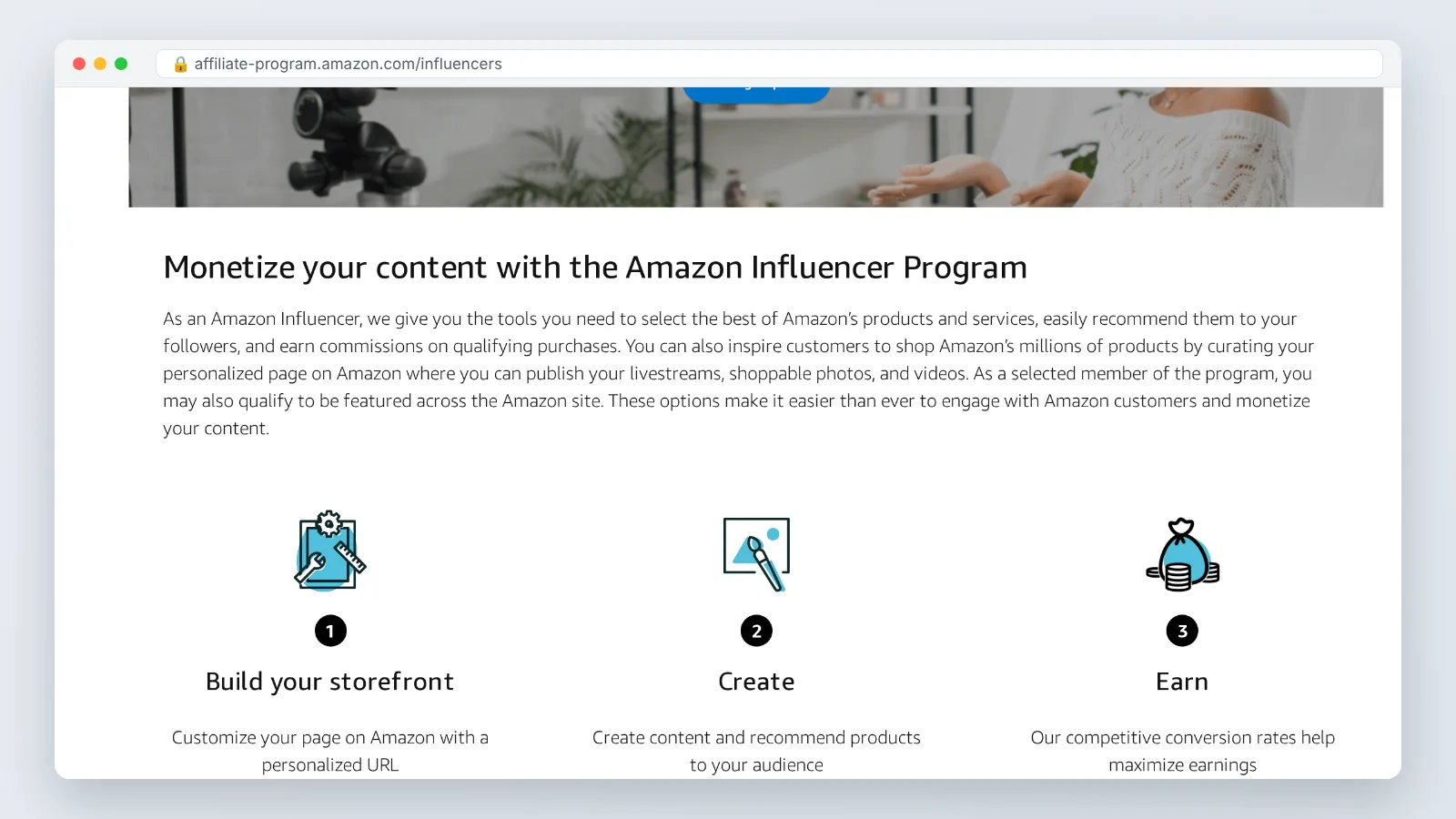
Amazon runs two linked programs. The Associates program pays you for shoppers you send from a blog, newsletter or social bio; the Influencer program adds a page hosted on Amazon’s own domain with your handle in the address. That page holds idea lists, shoppable photos, review videos and livestreams in one scrollable place.
Qualification is judged on your social presence rather than a published follower floor. Amazon’s official influencer program page states that applicants must have a YouTube, Instagram, TikTok, Facebook or Pinterest account to qualify. Reviewers weigh engagement, posting consistency, and how well your niche maps to products Amazon actually sells.
| Earning path | Where the sale starts | What you need first |
|---|---|---|
| Associates (offsite) | A click from your blog, email, bio link or Pin | Approved account and a tracking ID per channel |
| Onsite commissions | A shopper watching your video on an Amazon product page | Approved influencer account plus videos that pass Amazon’s guidelines |
| Storefront browsing | A shopper landing on your /shop URL directly | Claimed vanity URL and populated idea lists |
Amazon Associates advertises that participants can earn up to 10% in associate commissions from qualifying purchases and programs. Read that as a category ceiling, not an average. Your real number depends on what your audience buys.
Step 1 — Apply to the Amazon Influencer Program With Your Strongest Social Account
Time: about 20 minutes. What you need: an Amazon customer account, one social profile you can log into right now, your tax details (a W-9 if you are a US person), and a bank account for direct deposit.
Pick the single account with the best engagement, not the one with the biggest follower number. A TikTok account posting three product clips a week usually reads better to a reviewer than a dormant Instagram page with a larger audience. Amazon’s official influencer program page states that applicants must have a YouTube, Instagram, TikTok, Facebook or Pinterest account to qualify, so apply with whichever of those five you keep warmest.
Before you hit submit, clean the profile you are submitting. Make sure recent posts show products, demos or recommendations rather than purely personal content. A bio that names your niche — cast iron cooking, home gym gear, toddler travel — helps a reviewer place you fast.
Decisions can be instant or can take days. If you are declined, keep posting product-focused content for a few weeks and reapply with the same account or a different one from the eligible five. Nothing about a rejection is permanent.
Step 2 — Claim Your Storefront URL and Build Your First Shoppable Idea Lists
Time: 60 to 90 minutes for the first build. What you need: your approved account, a profile photo, a one-line bio, and a list of 30 to 40 products you already own or have used.
Claim the vanity URL first, because the handle you want may already be taken. Match it to the name people search for you by, and keep it identical across your social bios so the link looks trustworthy when pasted. Short beats clever.
Idea lists are the spine of the page. Build them around a shopper’s moment rather than a category: "first apartment kitchen," "cold weather running," "under-sink organization." Each list should hold enough items to feel researched but few enough to decide from — eight to fifteen works well.
Three build rules that pay off later:
- Put your best-converting list first; the top row gets the most taps on mobile.
- Write a short, specific blurb for each list that names who it is for.
- Remove items that go out of stock, since dead listings waste a click you earned.
Add a profile photo that matches your social avatar. Shoppers arriving from a Reel need a half-second of recognition before they trust the page.
Step 3 — Upload Review Videos to Unlock Onsite Commissions
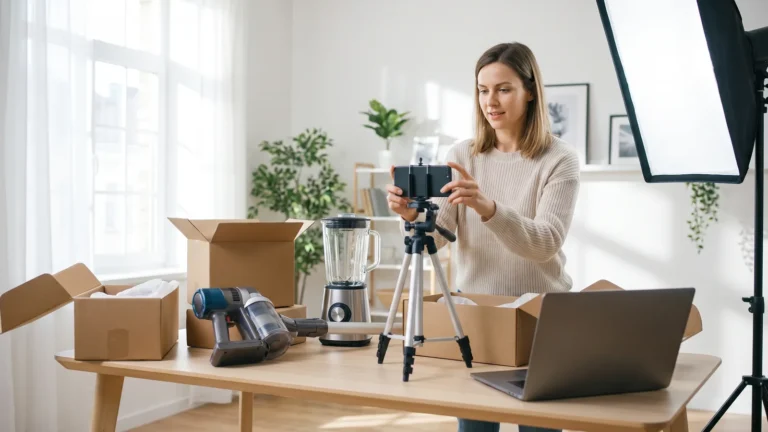
Time: a half-day batch session for your first set. What you need: the physical products, a phone on a tripod, one soft light, and a quiet room.
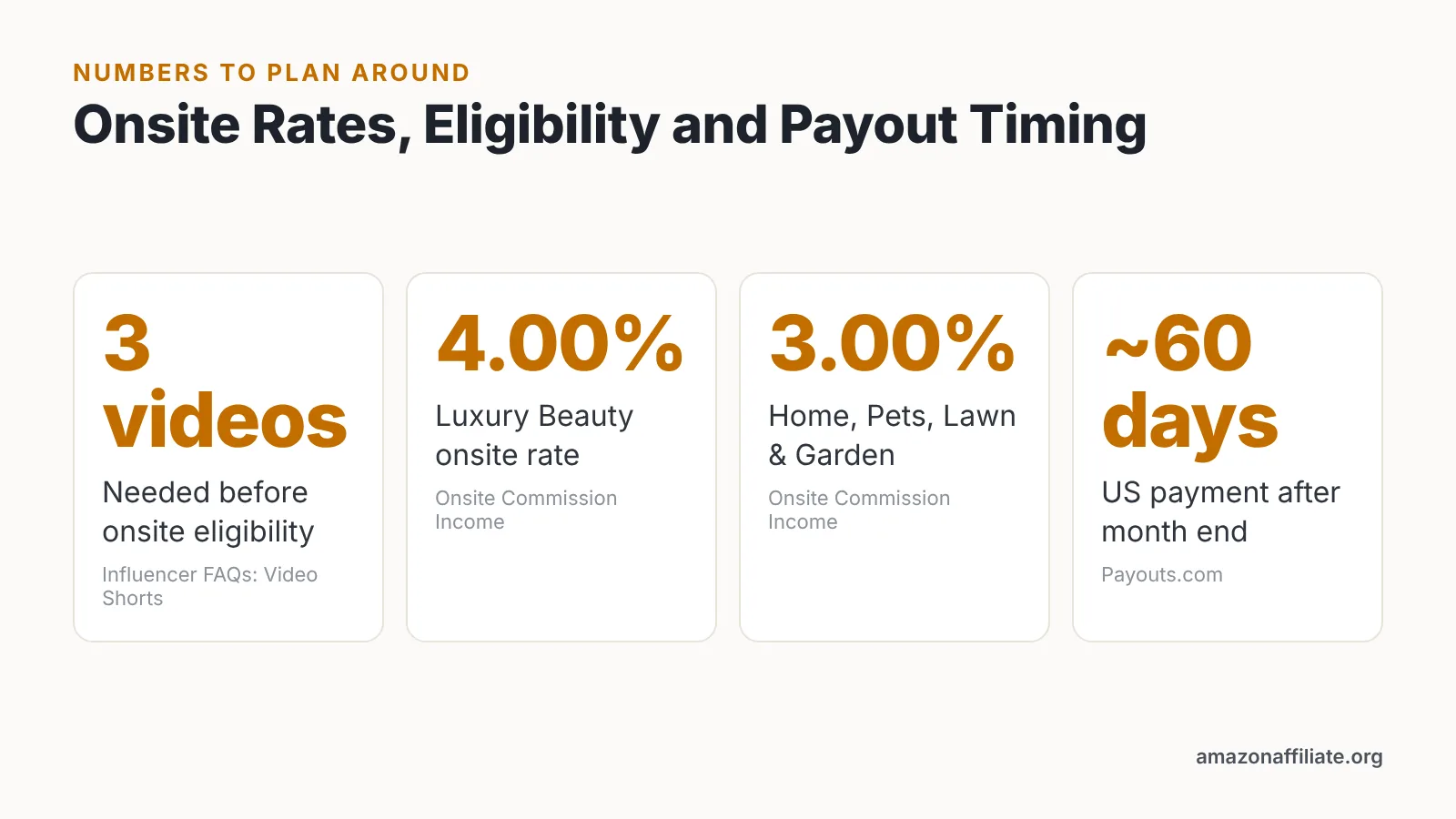
This step is the whole business. Amazon makes influencers eligible to sign up for onsite commissions only after they upload at least 3 videos that meet Amazon’s content guidelines. Those videos can then surface on product detail pages, where the shopper is already holding their credit card.
Format requirements are explicit. Amazon requires influencer video uploads to be in .mp4 or .mov format and under 5GB in size. Shoot vertical or horizontal, keep each clip tight at roughly 45 to 90 seconds, and open with the product in frame rather than your face.
Two content rules trip up new uploaders constantly. Amazon prohibits influencers from mentioning prices in their uploaded shoppable videos or asking viewers to take actions the Amazon video player does not support, such as following or subscribing. Scrub "link in bio," "only twenty bucks" and "subscribe for more" out of your script before you record.
Structure each video the same way: what it is, how you use it, one honest drawback, who should buy it. Say the drawback out loud. Reviews that name a trade-off convert better than pure praise, and they keep you on the right side of the endorsement rules below.
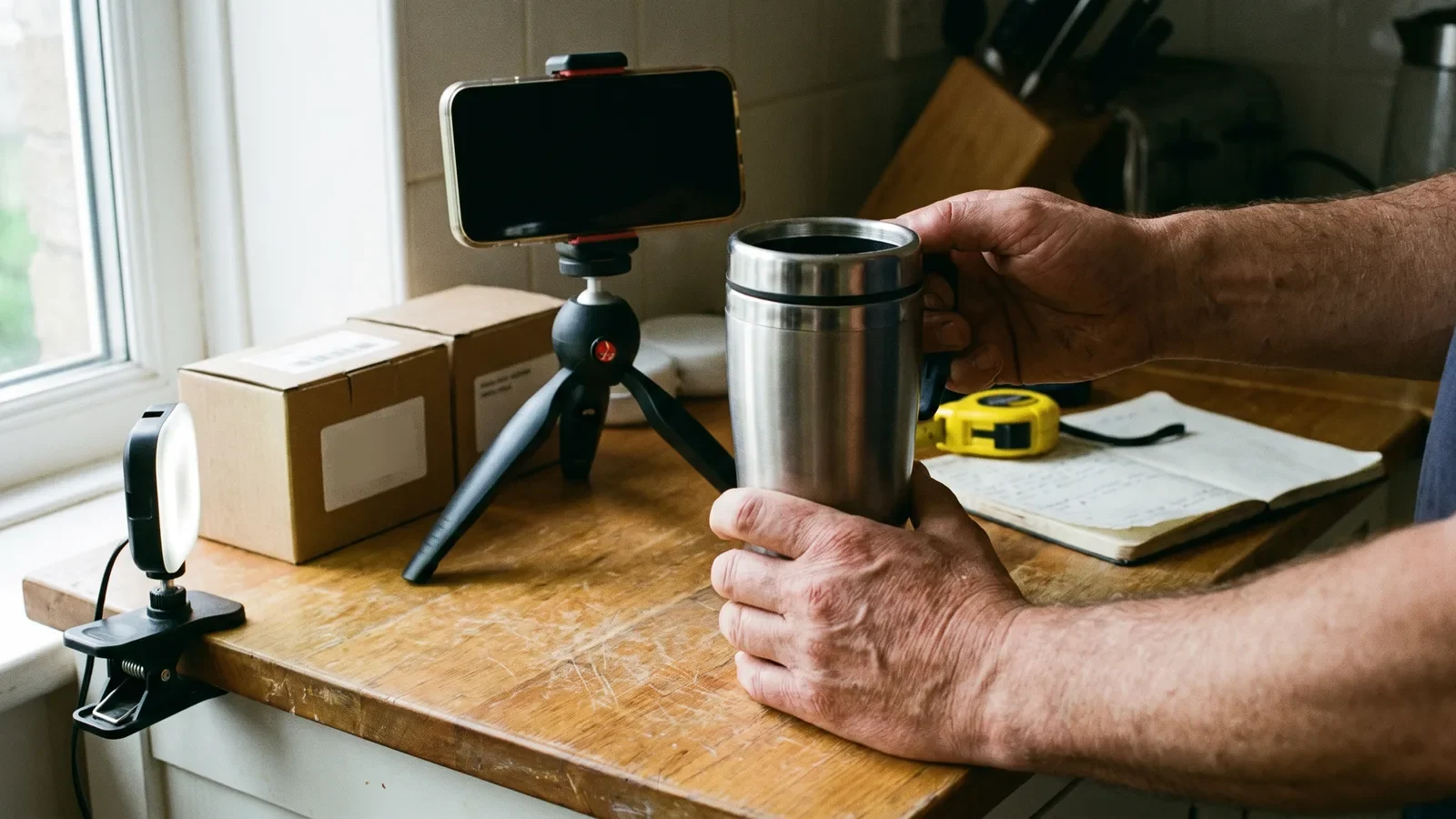
Step 4 — Drive Traffic With Compliant Links, Disclosures, and a Repeatable Content Loop
Time: two to four hours a week, ongoing. What you need: separate tracking IDs per channel, a saved disclosure line, and a posting calendar.
Your storefront will not get discovered on its own. Send traffic from the places you already publish: a pinned comment, a bio link, a newsletter section, a blog roundup that links to a specific idea list rather than the homepage. Deep links to one list outperform generic "check out my storefront" calls.
Disclosure is not optional for US creators. The FTC’s Endorsement Guides were revised in 2023 and include a new definition of "clearly and conspicuously" that applies to influencer disclosures, which means your affiliate notice must be hard to miss — in the caption above the fold and spoken in the video, not buried in hashtags. Creators outside the US should check their own regulator’s rules, which differ in wording and enforcement.
Build a loop you can repeat without burning out:
- Record three product demos in one sitting.
- Upload them to Amazon; cut social versions for your own channels.
- Post the social cut, link to the matching idea list, disclose clearly.
- Refresh the list with anything new you tested that week.
Supporting content off Amazon can be produced faster than on-camera demos. Tools such as AI Studios generate avatar-led explainer clips from a script, a topic prompt or a product page, which suits channel intros, buying-guide recaps and translated versions of your commentary. Keep your actual Amazon review videos filmed with your hands on the real product — that is the part shoppers and Amazon both expect to be genuine.
Step 5 — Read Your Reports, Get Paid, and Scale What Converts
Time: 30 minutes weekly, plus a longer monthly review. What you need: access to your Associates dashboard and the onsite commission reports.
Look at three columns before anything else: clicks, conversion rate, and earnings per item shipped. A video with modest views but a strong conversion rate deserves a sequel; a viral clip with no orders tells you the audience was entertained, not shopping. Re-film the winners with a second angle or a different use case.
Category rates shape your product mix more than volume does. Under Amazon’s US Onsite Associates Program schedule, onsite commission income on direct qualifying purchases is 4.00% for Luxury Beauty and 3.00% for categories including Furniture, Home, Home Improvement, Lawn & Garden and Pets Products. Choosing what to review is a pricing decision, not just a taste decision.
Payment timing surprises people in month one. According to Payouts.com, US Amazon Associates commission payments generally arrive about 60 days after the end of the month in which the earnings occurred. Thresholds vary by marketplace — in the UK Associates program, Amazon states it will not send a direct deposit payment until the total amount due is at least 25 GBP.
Scale by doubling the format that worked, not by adding platforms. One more weekly upload in your proven category beats a new channel you post to twice.
Your Amazon Storefront Launch Checklist
Work through this in order. Each line is something you can mark done in a single sitting, and the whole sequence fits inside two weekends if you batch your filming.
- ☐ Pick the one social account with your strongest engagement from the five Amazon accepts.
- ☐ Clean that profile so recent posts show products and recommendations.
- ☐ Submit the application with tax details and bank information ready.
- ☐ Claim a vanity storefront URL that matches your social handle.
- ☐ Add a profile photo and a one-line bio naming your niche.
- ☐ Build three idea lists around shopper moments, eight to fifteen items each.
- ☐ Gather products you genuinely own for your first filming batch.
- ☐ Record at least three review videos, each naming one honest drawback.
- ☐ Export every file as .mp4 or .mov and keep each under 5GB.
- ☐ Strip prices, "subscribe" and "link in bio" from every script.
- ☐ Upload, then sign up for onsite commissions once eligible.
- ☐ Create separate tracking IDs for each traffic source.
- ☐ Save a disclosure line and paste it above the fold on every post.
- ☐ Set a weekly 30-minute slot to read clicks, conversion and earnings.
- ☐ Re-film your top converter with a new angle in month two.
Common Mistakes That Stall Influencer Storefronts
The failure that stalls most new storefronts is treating uploads as a one-time unlock. Creators film three videos, get approved for onsite commissions, then stop — and their clips sink below newer, better-lit reviews on the same product pages. Avoid it by scheduling a recurring filming block, even a short one, so fresh uploads keep landing every week.
Other patterns worth catching early:
- Reviewing products you have never touched. Thin commentary shows, and it risks both viewer trust and guideline problems.
- Chasing high-ticket items in low-rate categories. Rate and purchase frequency together decide income, not sticker value alone.
- Linking only to your storefront homepage. Send people to the specific list that answers the question they just heard.
- Weak or hidden disclosures. The revised FTC definition of "clearly and conspicuously" means placement counts, not just wording.
- Ignoring the terms. The Amazon Associates Program Operating Agreement that governs influencer storefronts was last updated on October 15, 2025, and account closures usually trace back to rules people never read.
Read the operating agreement once, properly, and set a calendar reminder to re-skim it twice a year. Program terms change, and compliance is cheaper than reinstatement.
This article is general information for creators, not legal, tax or financial advice; check current Amazon program terms and your local regulator’s rules before you publish.
Frequently asked questions
How many followers do you need to create an Amazon storefront?
Amazon does not publish a follower minimum. Amazon’s official influencer program page states that applicants must have a YouTube, Instagram, TikTok, Facebook or Pinterest account to qualify, and reviewers weigh engagement and posting consistency alongside audience size, so a small, active niche account can be approved while a large dormant one is declined.
How soon can you earn onsite commissions from your storefront videos?
Not immediately. Amazon makes influencers eligible to sign up for onsite commissions only after they upload at least 3 videos that meet Amazon’s content guidelines, so plan one filming batch that produces at least that many usable reviews before you expect any product-page placements or onsite earnings.
What can’t you say in an Amazon influencer video?
Amazon prohibits influencers from mentioning prices in their uploaded shoppable videos or asking viewers to take actions the Amazon video player does not support, such as following or subscribing. Write your script, then delete price mentions, "link in bio" and subscribe prompts before you hit record.
When does Amazon actually pay influencer commissions?
According to Payouts.com, US Amazon Associates commission payments generally arrive about 60 days after the end of the month in which the earnings occurred. Thresholds differ by marketplace — in the UK Associates program, Amazon states it will not send a direct deposit payment until the total amount due is at least 25 GBP.
Which product categories pay the most on an influencer storefront?
Rates vary by category and program. Under Amazon’s US Onsite Associates Program schedule, onsite commission income on direct qualifying purchases is 4.00% for Luxury Beauty and 3.00% for categories including Furniture, Home, Home Improvement, Lawn & Garden and Pets Products, so match your niche to categories your audience repeatedly buys from.
Sources
- Amazon Influencer and Associate Programs — Amazon.com
- Influencer FAQs: Video Shorts — Amazon.com
- Onsite Commission Income / Direct Qualifying Purchases — Amazon Associates Central
- Amazon Associates – Amazon’s affiliate marketing program
- Associates Program Operating Agreement — Amazon Associates Central
- FTC’s Endorsement Guides: What People Are Asking — Federal Trade Commission
- Amazon.co.uk Associates Central – Help: Changing Payment Type
- Amazon Affiliate Payout: Timing, Methods and FX — Payouts.com
Written with AI assistance and fact-checked against the sources cited above before the Amazon Affiliate Editorial Team published it.