The short version of how to get approved for amazon influencer program: apply with one public account on YouTube, Instagram, TikTok, Facebook or Pinterest that holds original content, link it to an eligible Associates account, and grant Amazon data access.
Quick steps: the fastest path to an approved application
Amazon’s reviewers look at three things — whether the account you list is public, whether the content on it is yours, and whether it helps a shopper decide. Amazon publishes no follower minimum: its Associates Program Policies say applicants must meet qualitative and quantitative thresholds, but the numbers behind them are never disclosed.
- Pick one public account on YouTube, Instagram, TikTok, Facebook or Pinterest with original posts from the last few months.
- Open or sign in to an Amazon Associates account, since Influencer applicants sit under the same agreement.
- Apply at the Influencer sign-up page and grant Amazon access to that social account’s data when prompted.
- Fill your storefront — photo, bio, idea lists — before a reviewer or a shopper ever lands on it.
- Record and upload three qualifying product videos to unlock onsite commissions and your second Store ID.
Have a few things ready before you start: your Amazon login, tax details, bank information, and products you actually own and can film. Budget one evening for steps 1 through 3, then a weekend for the first video batch.
Amazon publishes no review window, and community reports describe decisions arriving in anything from minutes to several days — some accounts get an instant answer while others sit in manual review. Treat the waiting window as build time, not dead time.
What gets you approved — and the 5 things that get applications rejected
Approved applicants share a pattern: one public channel, posts they filmed or wrote themselves, and content that tells a shopper what a product is like to use. Amazon’s own Influencer and Associate Programs page says it expects influencer content to help customers research products, including critical commentary — so all-positive promotional feeds are not what reviewers want to see.
The five rejection triggers, in rough order of how often they bite:
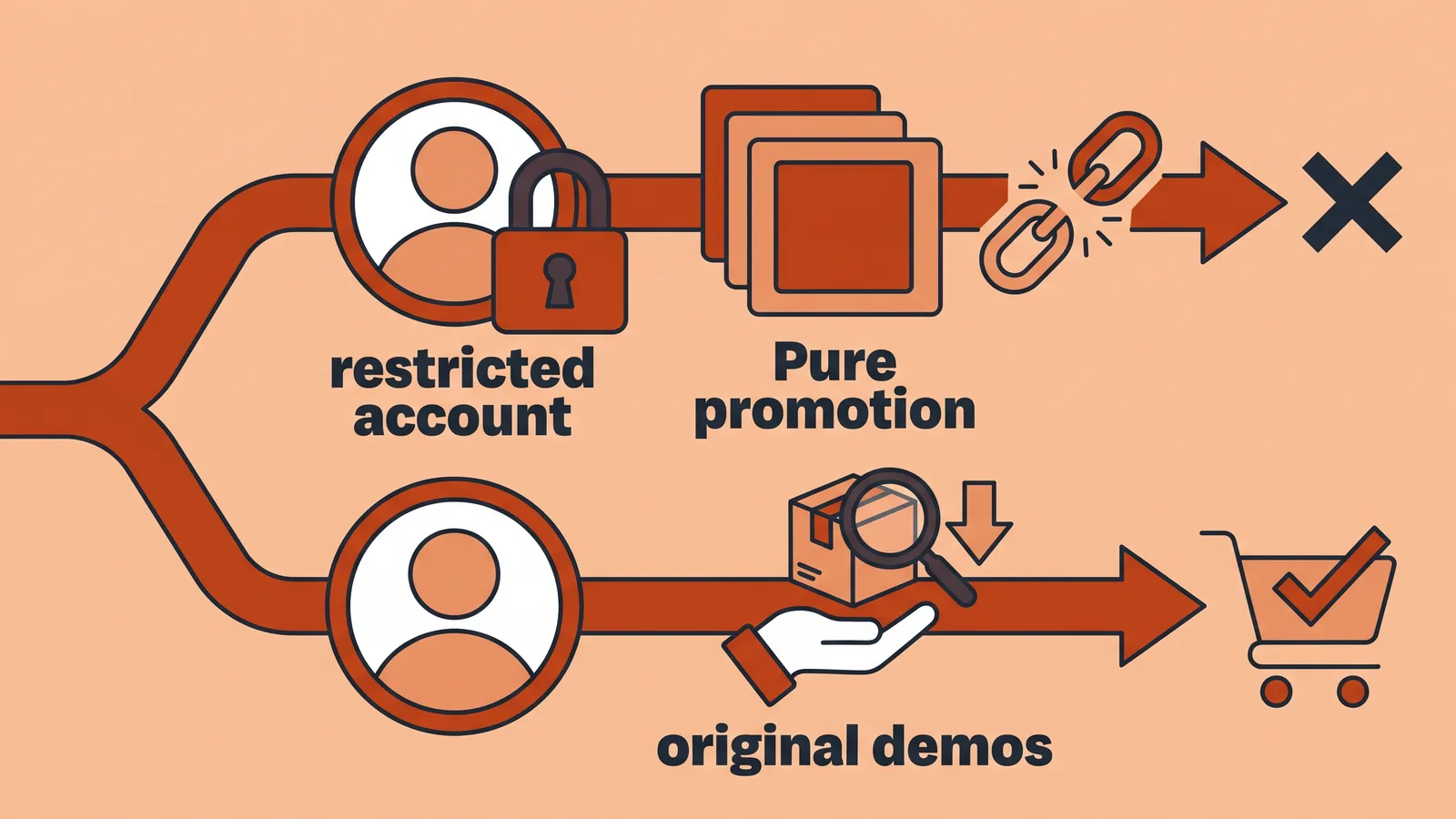
- A private or restricted account. Amazon’s Influencer Program Policy requires applicants to grant Amazon access to data about their social media presences during registration, so a locked profile stalls the application before a human reads it.
- Reposted or aggregated content. Make Influence reports that Amazon revised the Associates Program Operating Agreement effective 14 April 2026, tightening the original-content rule so content must add commentary, analysis or transformation rather than bare links.
- Pure promotion with no evaluation. Hauls with no downsides, no comparisons and no "who shouldn’t buy this" read as ad feeds.
- A URL that doesn’t resolve. The Associates Program Participation Requirements state that every site or channel listed in the application must contain original content and be publicly available at the address you submitted.
- An Associates account that never qualified. Influencer status rides on an eligible Associates account, and an unverified or terminated one takes the application down with it.
The common failure: applying with the account that has the biggest follower number — usually a private Instagram or a reshare-heavy page — instead of the smaller TikTok or YouTube channel full of original demos. Apply with the account that proves authorship, then add the bigger one later.
What to decide first: platform, account type, and the two approval tiers
Two decisions shape everything else: which social account you submit, and whether you stop at a storefront or push for onsite placement. Amazon’s Influencer and Associate Programs information page says applicants must have a YouTube, Instagram, TikTok, Facebook or Pinterest account to qualify, so a newsletter, podcast or blog alone cannot carry the application.
| Item | What applies |
|---|---|
| Eligible platforms | YouTube, Instagram, TikTok, Facebook, Pinterest (Amazon Influencer and Associate Programs page) |
| Published follower minimum | None — Amazon’s Associates Program Policies set qualitative and quantitative thresholds without publishing a number |
| Account type | Business or creator account recommended; profile must be public at the submitted address |
| Tier 1 — Storefront | Approved application gives you a storefront URL and a referral tracking ID |
| Tier 2 — Onsite | Unlocked after at least 3 videos meeting Amazon’s content guidelines (Amazon Influencer FAQs) |
| Onsite tracking | Amazon issues a second Store ID so onsite earnings stay separate from storefront referrals |
| Onsite commission scope | Direct Qualifying Purchases only — the featured product, not the whole cart |
| Sample referral rates | 10.00% Luxury Beauty, Luxury Stores Beauty, Amazon Explore; 5.00% Digital Music, Physical Music, Handmade, Digital Videos; 4.50% Physical Books, Kitchen, Automotive |
Amazon’s US Standard Commission Income Statement pays 10.00% on Luxury Beauty, Luxury Stores Beauty and Amazon Explore, and 4.50% on Physical Books, Kitchen and Automotive, as of October 2026. Pick a niche with that table open, because category rate beats follower count for storefront earnings.
Step 1 — Choose the social account you’ll apply with and fix the red flags
Time: 30–45 minutes. You need: access to each social account’s settings and your posting archive.
Open every platform you post on and judge each account on three questions: is it public, is the content original, and does anyone respond to it? The Associates Program Participation Requirements state that every channel you list must contain original content and be publicly available at the address you submit, which rules out private profiles and placeholder pages.
Switch the chosen account to public and, where the platform offers it, to a creator or business profile so analytics are available. Remove nothing — just add. If your last ten posts are reshared clips, publish three or four original ones first, even phone-shot demos.
Engagement matters less than authorship, but a profile with zero comments and a stock-photo grid gives a reviewer nothing to verify. Pin a post that shows your face or hands using a product.
Pinterest counts as an eligible platform, which surprises people who assume video is mandatory — if that is your strongest channel, read up on the rules for running affiliate links on Pinterest without tripping platform policy before you apply. TikTok applicants should sort out link placement early too, since link handling inside TikTok videos works differently from a blog.
Step 2 — Set up Amazon Associates, submit the application, and grant data access
Time: 20–30 minutes. You need: tax ID, bank details, your social login.
Amazon’s Associates Program Policies require Influencer applicants to be eligible Associates who meet Amazon’s qualitative and quantitative thresholds, complete registration and comply with the Operating Agreement. Create the Associates account first if you don’t have one, using your legal name and real payment details.
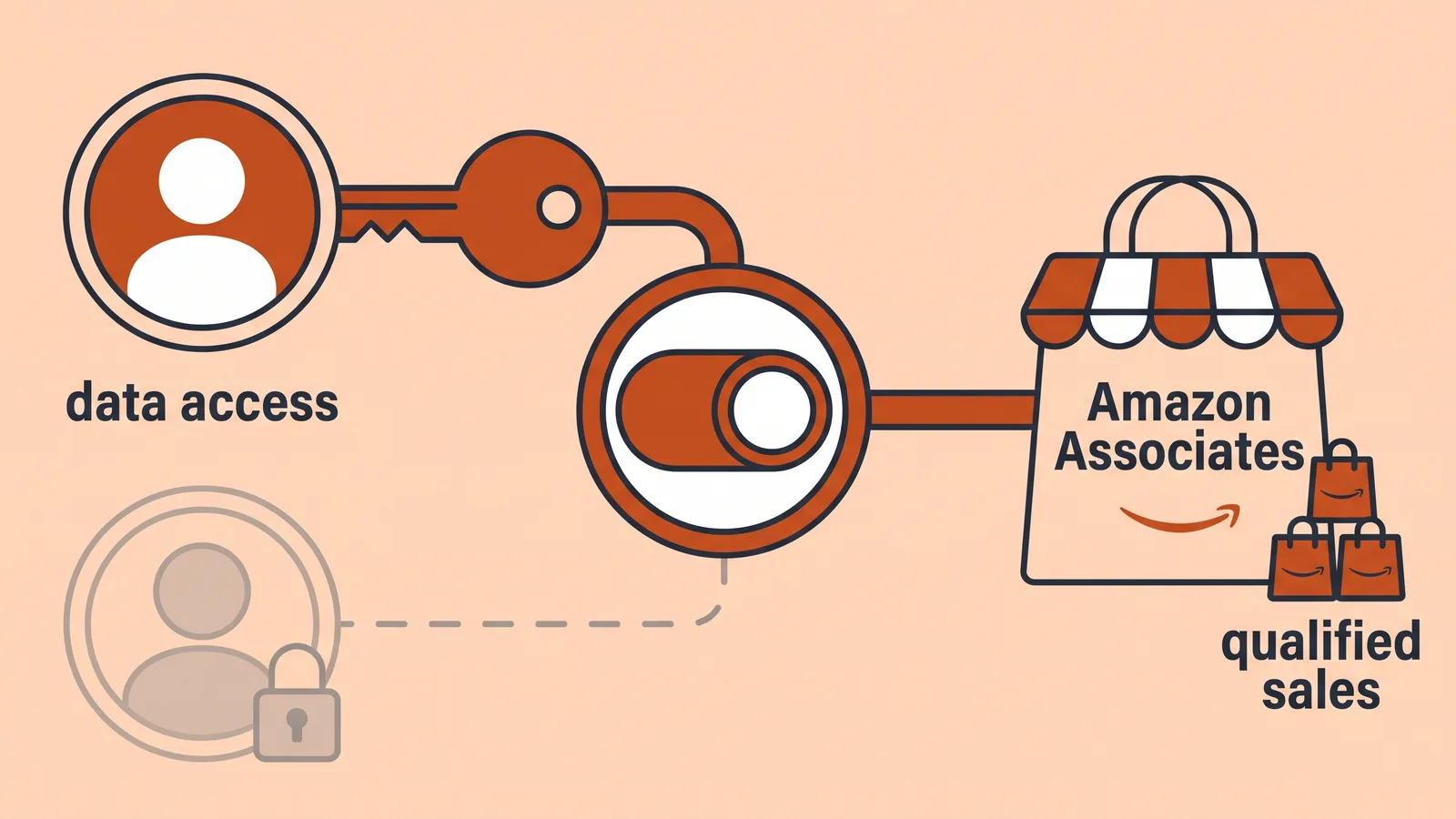
Go to the Influencer sign-up, select the platform you cleaned up in Step 1, and sign in through Amazon’s prompt rather than typing a URL by hand. Amazon’s Influencer Program Policy requires applicants to grant access to data about their social media presences as part of registration, so decline that permission and the application cannot proceed.
Reporting from Lilach Bullock says new Amazon Associates accounts must drive at least three qualified sales within 180 days of signup, and self-purchases do not count — though sources differ on whether one sale starts the review and three completes it. Plan your first promotions accordingly, and read why buying through your own affiliate links doesn’t earn fees before you try to shortcut that requirement.
Submit once. Repeated resubmissions from the same account add noise, not speed.
Step 3 — Build the storefront reviewers (and your audience) will see
Time: 1–2 hours. You need: 15–30 products you own or have used, a profile photo, a one-line bio.
An empty storefront with a default avatar reads as abandoned. Add a clear headshot or logo, a bio that names your niche in plain words, and idea lists grouped the way a shopper would search — "small-kitchen essentials," "first camera kit," "cold-weather running."
Write a short note on each list explaining who it suits and who it doesn’t. That one habit matches what Amazon says it wants from influencer content: material that helps customers research products, critical commentary included.
Feature products you can speak to from use, not whatever has the highest commission. Mixing a 4.50% kitchen item you actually cook with beats padding the page with categories you’ve never touched.
If you want the layout decisions spelled out section by section, this walkthrough on setting up and organizing an Amazon storefront as an influencer covers the page structure. Keep the storefront current while the application is pending — reviewers can look, and so can shoppers who find you later.
Step 4 — Upload your 3 qualifying videos to unlock onsite commissions
Time: half a day for a batch of three. You need: products in hand, a phone, a light source, a clean background.
Amazon’s Influencer FAQ states you become eligible to sign up for onsite commissions only after uploading at least three videos that meet its content guidelines. Storefront approval alone does not put your clips on product detail pages.
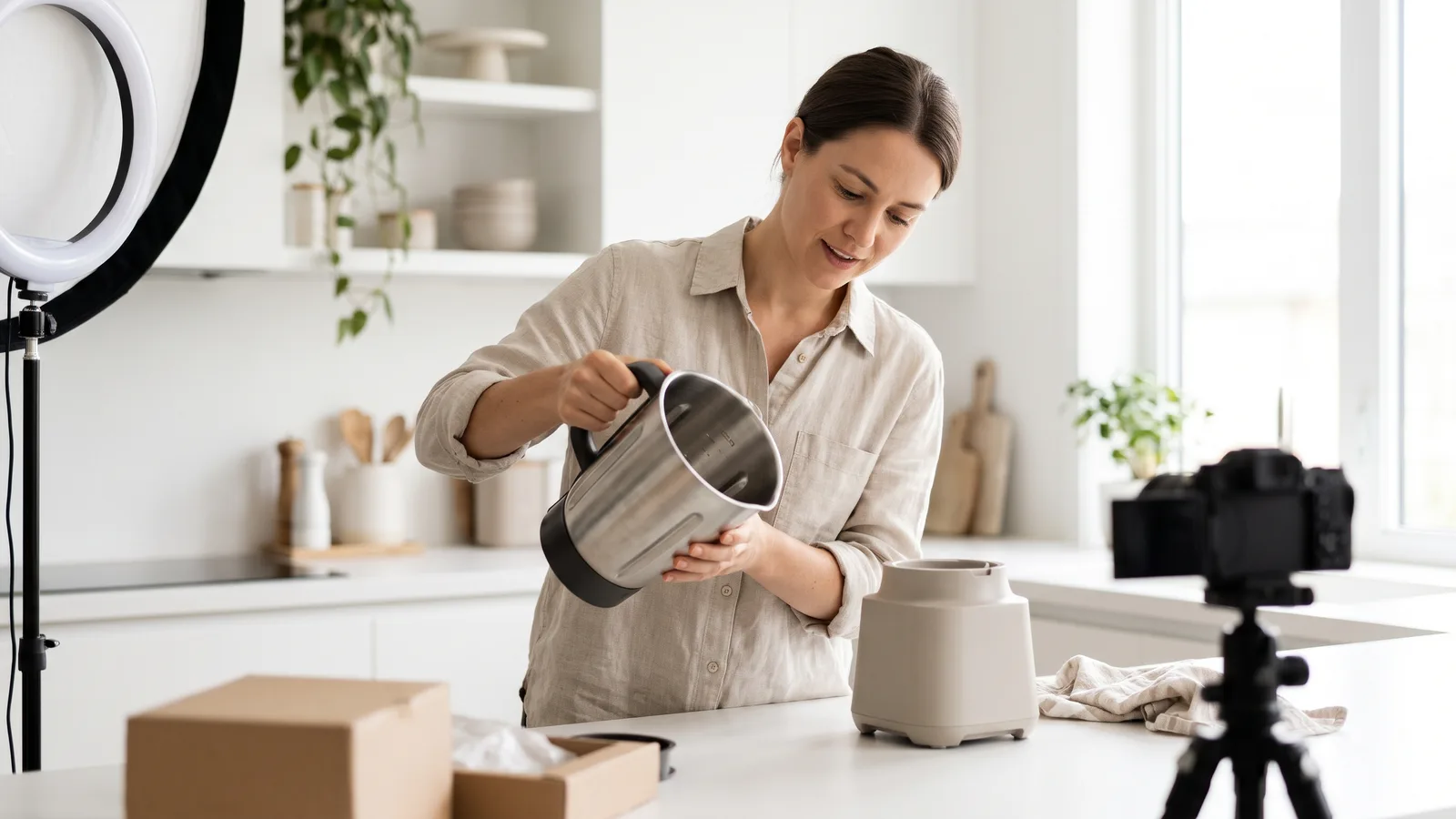
Film each video with the product physically in your hands. Show the thing working, say what disappointed you, and name the buyer it fits — a 45-to-90-second clip with one honest drawback outperforms a polished ad read for this purpose.
Amazon’s Onsite Associates Program Commission Income Statement limits onsite commission income to Direct Qualifying Purchases — the product featured in your video, not everything the shopper adds to the cart. Choose products with steady demand rather than one-off novelties.
Our editorial recommendation: skip AI-generated avatars and stock footage for these review videos, because the whole point of a qualifying clip is that a viewer sees a real person handling the product. Tools like AI Studios, which turns a script, URL or product page into avatar video and supports voiceovers in 150+ languages and accents on paid plans, fit better on the social side — translated explainers or channel intros — while your qualifying uploads stay hands-on. For other places automation genuinely saves hours, see this roundup of AI tools that cut production time for affiliate content.
How to verify you’re approved, and what to do if you’re rejected
Approval shows up in four places. Your email contains an acceptance notice, your storefront loads at a public amazon.com/shop URL, a tracking ID appears in Associates Central, and the Influencer dashboard stops showing a pending banner.
Onsite status is separate. Once you are accepted into the Onsite Associates Program, Amazon issues a second Store ID so onsite earnings are tracked separately from your storefront tracking ID — if you see only one ID, you are still at tier one.
Test the storefront in a logged-out browser or on mobile data. A page that only loads for you is not public, and that is the same failure the Participation Requirements flag at application time.
Pre-submit and post-approval checklist
- ☐ Chosen account is public and loads at the exact URL you submitted
- ☐ Last ten posts are original — filmed, written or edited by you
- ☐ At least one post includes a downside, a comparison or a "skip this if"
- ☐ Associates account is registered with real tax and bank details
- ☐ Amazon’s data-access permission was granted, not dismissed
- ☐ Storefront has a photo, bio and at least three populated idea lists
- ☐ Three qualifying videos uploaded for onsite eligibility
- ☐ Second Store ID visible before you count on onsite earnings
Rejected? Amazon rarely explains the reason, so fix the five triggers listed earlier before reapplying, and give the account four to eight weeks of fresh original posting first. Reapplying with a different eligible platform is allowed, and browsing how approved creators structure their public storefronts shows you the standard you’re being measured against.
Frequently asked questions
Is there a follower minimum for the Amazon Influencer Program?
No public minimum exists. Amazon’s Associates Program Policies state that applicants must meet qualitative and quantitative thresholds, complete registration and comply with the Operating Agreement — so quantitative criteria do exist, but Amazon publishes no follower number anywhere in those policies. Treat the public profile, original content and shopper-useful commentary requirements as the parts you can actually control.
How long does the Amazon Influencer application review take?
Amazon publishes no service-level window. Community reports describe automated decisions arriving within minutes of granting data access, while other applicants sit in manual review for several days. Keep posting original content on the submitted account during the wait, and avoid resubmitting the same application repeatedly.
Can I reapply after my Amazon Influencer application is rejected?
Yes. Rebuild first: make the account public, add original posts with real commentary, and confirm the URL you list loads for logged-out visitors, since the Associates Program Participation Requirements require every listed channel to be publicly available at the submitted address. Give it several weeks before trying again.
Can I apply with more than one social platform?
You apply with one account at a time, chosen from YouTube, Instagram, TikTok, Facebook or Pinterest according to Amazon’s Influencer and Associate Programs page. After approval you can connect additional eligible accounts in your profile settings.
How do Amazon influencers actually get paid?
Two streams. Storefront and link referrals pay standard category rates — Amazon’s US Standard Commission Income Statement pays 10.00% on Luxury Beauty and 4.50% on Physical Books, Kitchen and Automotive as of October 2026 — while onsite video commissions are limited to Direct Qualifying Purchases, meaning the featured product only.
Sources
- Amazon.com Associates Central — Associates Program Policies
- Amazon Influencer and Associate Programs — Amazon.com
- Influencer FAQs: Video Shorts — Amazon.com
- Onsite Commission Income / Direct Qualifying Purchases — Amazon Associates Central
- Associates Program Standard Commission Income Statement — Amazon Associates Central
- Amazon Influencer Program: How It Works & What It Pays — Make Influence
- Amazon Associates Affiliate Program: How to Join and Stay In — Lilach Bullock
Written with AI assistance and fact-checked against the sources cited above before the Amazon Affiliate Editorial Team published it.